
No-code website builder

Build it visually. No code required.

Every part of an Abizvo site is edited on the page or in a form beside it: drag in a block, type over the text, choose a colour, pick a look. Themes are real code packages underneath — but the editor never asks you to read them.

Free on every plan. No card needed to start.

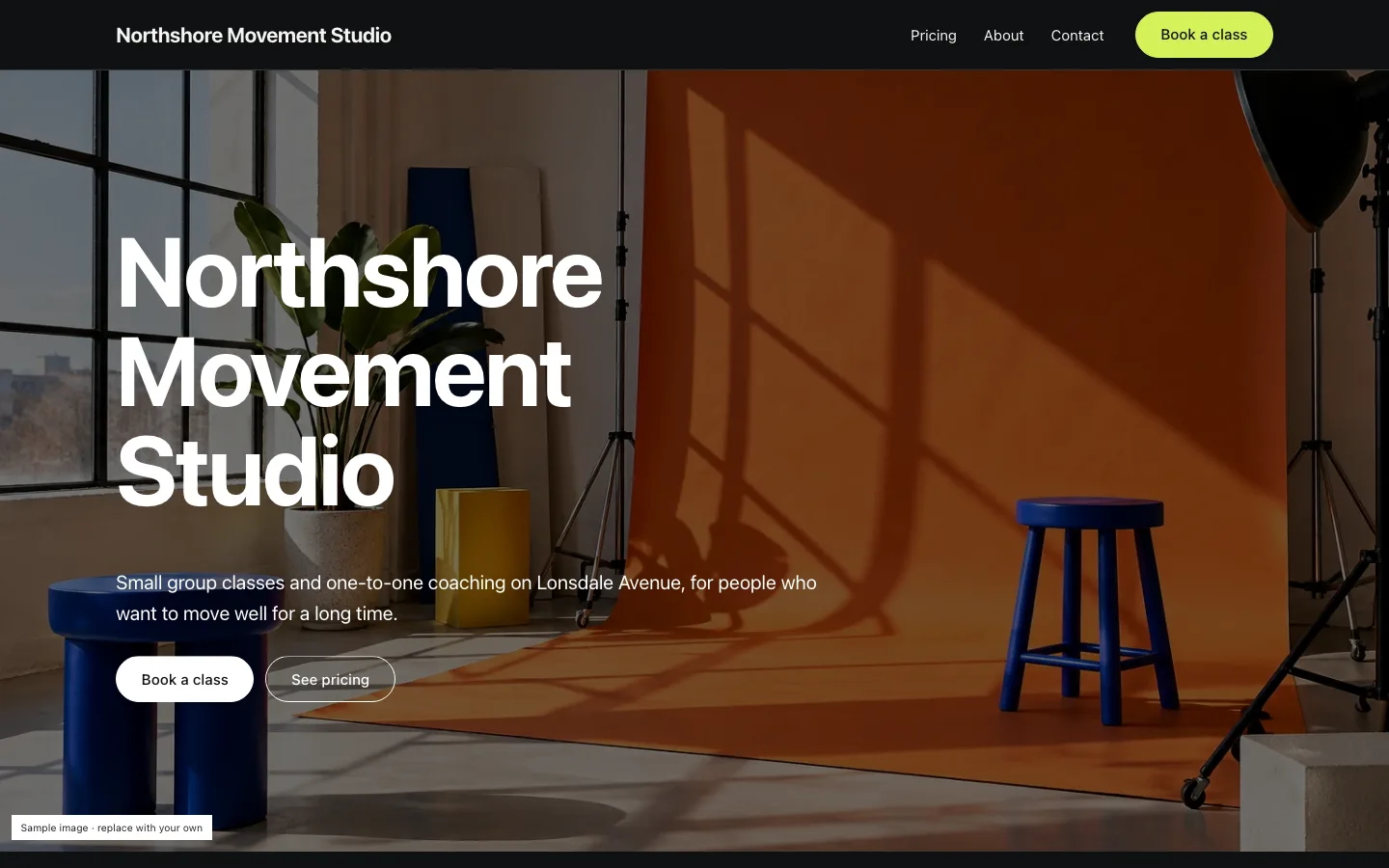
Home page built with the Fitness & wellness template, on a computer
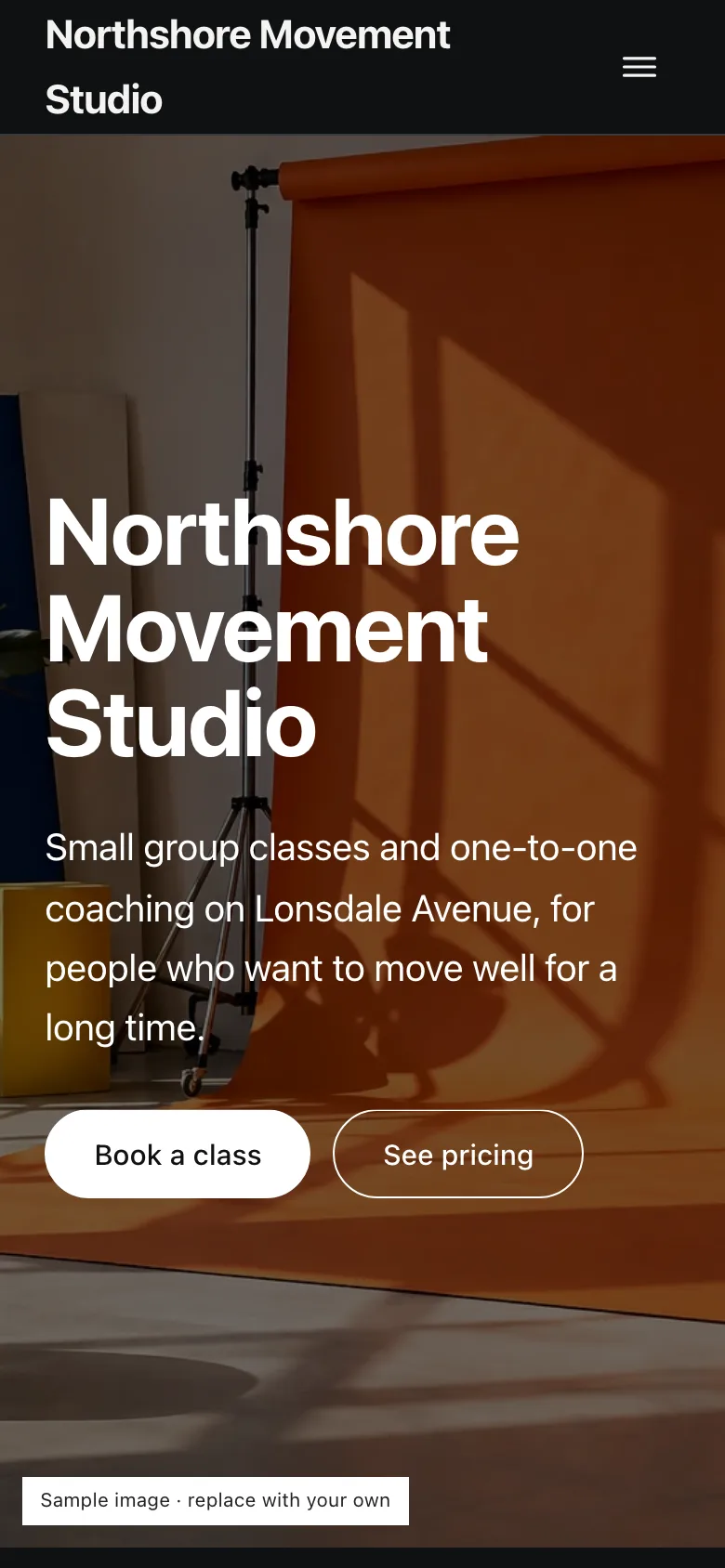
The same page on a phone
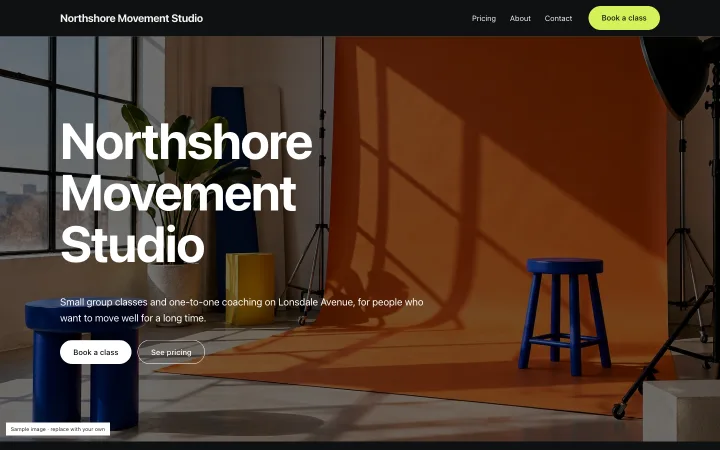
The Fitness & wellness template, as published. Sample content.

Two ways to build

The block builder and the theme editor

Drag and drop

Drag a block from the palette onto the page, or move it by its handle. An outline of the page lists every block, and the keyboard moves them too.

Edit where it is

Click a heading or a paragraph on the page and type. Pictures, links and colours are set in the inspector beside the page, generated from each block's own settings.

Sections and looks

On a theme site, add sections from the theme's own presets, reorder their blocks, and pick a look — a whole colour and type scheme — in one click.

Undo everything

Typing is undone a phrase at a time; every structural change is undone on its own. Autosave runs as you work, and theme sites keep restore points every ten minutes and at every publish.

Reusable sections

Save a section once and place it on many pages; change it in one place and every page shows the change.

Right on a phone

Pages are laid out with container queries, so they fit the space they are given. In the builder, narrowing the canvas is the phone preview.

Safe by design

What the editor will not let go wrong

No broken pages

A page that does not pass the builder's checks is never saved, and a stale save from another tab is refused rather than overwriting your newer work.

No unsafe code

Nothing you type into a setting is ever treated as HTML, and no page runs code pasted into it. On theme sites, motion effects are picked from a library the platform writes.

Publish when it is ready

Publishing freezes every page into a numbered version, and visitors only ever see that. Keep editing the draft; nothing reaches the live site until you publish again. Take a site offline and back without losing it.

Start close to finished

Templates to start from

Home page of the Fitness & wellness template

For Gyms, yoga and pilates studios, personal trainers, coaches

Fitness & wellness

Book a class from the front page: your bookable classes with their next open times, what you offer, common questions; Pricing (plans and drop-in prices), About with your coaches, and Contact.
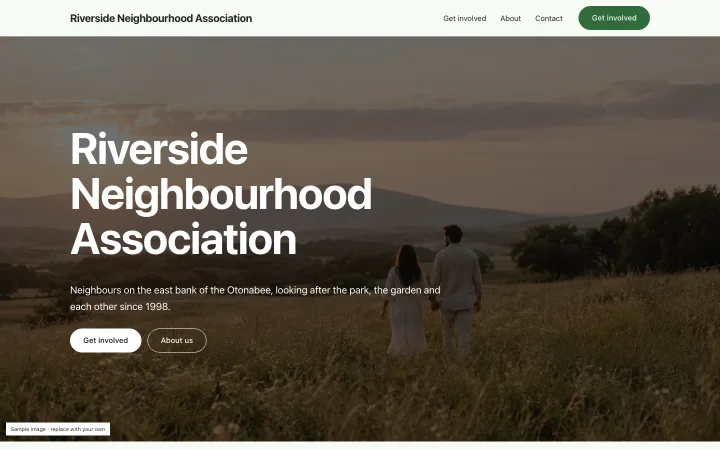
Home page of the Non-profit & community template

For Charities, community groups, associations and clubs

Non-profit & community

Your mission up front, what you do, recent activity as albums, a sign-up for news and a way to get involved; Get involved, About with your people, and Contact.

Home page of the Business template

For Trades, home services, studios and shops

Business

A photo-ready home page with your services by category, recent work, a call to action and a contact form; About, Services and Contact pages; an album page for your work.

See all 18 themes

Questions

Frequently asked questions

What is the difference between a template and a theme?

A template builds a block-builder site: a set of starting pages you then edit block by block. A theme is a designed package of sections and looks, edited section by section in the theme editor. Both publish to the same kind of site.

Can a developer still customise it?

Yes. Themes are written in Liquid, and the developer workspace lets a developer start from a theme, edit its files and release their own version for their organization's sites.

Can I add my own CSS or JavaScript?

No. On theme sites, effects such as tilt, marquee or count-up are picked from a library the platform writes; no page runs pasted code.

Free on every plan

Publish your site today

Create an Abizvo account, start from a template or a theme, and publish to your own abizvo.site address.

Start building free